The Email QA Checklist for Agencies and Freelancers
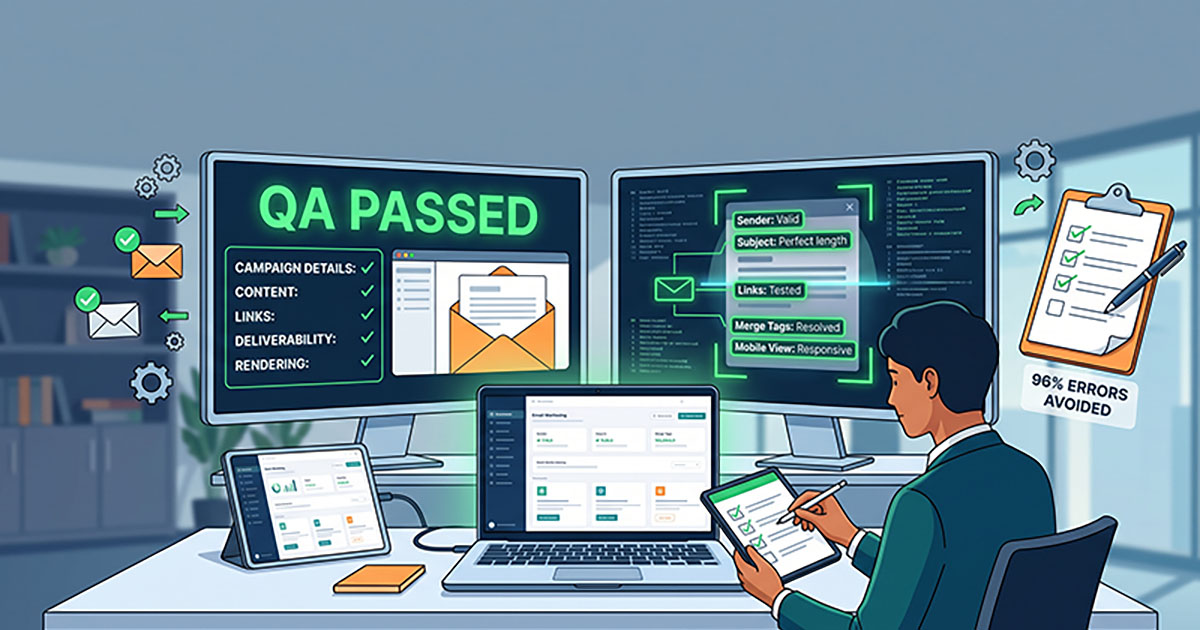
96% of emails contain at least one error before they're sent. Most of those errors are small — a broken merge tag, a dead link, a typo in the subject line — and most of them are completely avoidable with one proper check before you hit send.
The problem isn't that agencies and freelancers don't know they should QA their emails. It's that "QA" usually means eyeballing the preview pane for thirty seconds under deadline pressure, which catches almost nothing. A real QA process needs to be a checklist, not a vibe.
This is that checklist. Run through it before every client send — or better, automate it, which we'll get to at the end.
Before you build: campaign details
Get these right before you even open the email builder. They're easy to fix here and expensive to fix after a client's already seen a broken version.
- Sender name and email address — matches what the client expects to see, and won't get flagged as unfamiliar by inbox providers
- Subject line — under ~50 characters for full visibility on mobile, no ALL CAPS, no excessive punctuation (!!!) that trips spam filters
- Preview text — written deliberately, not left to default to "view this email in your browser" or the first line of a footer
- Send time and time zone — confirmed against the client's actual audience, not just your own local time
Content and personalization
This is where most of that 96% error rate actually comes from — not big mistakes, small unresolved ones.
- Every merge tag resolves correctly — send a test to at least two different sample contacts and check that first names, dates, and any dynamic content render as real values, not raw code like
{{first_name}}or*|FNAME|* - Fallback values are set for any merge tag where a contact might have missing data (a blank first name reading "Hi ," is a very visible, very avoidable mistake)
- Spelling and grammar — run it through a proper checker, not just your own read-through; you already know the copy, which makes it easy to read past errors
- Dynamic content blocks (if used) show the correct version for each segment — check at least one example per segment, not just the default
Links and tracking
A broken link is invisible until someone clicks it — which means it's usually a subscriber who finds it, not you.
- Every link works — click each one individually; don't assume that because one link in a repeated block works, they all do
- UTM parameters are present and correct on every tracked link, so campaign performance is actually measurable in analytics afterward
- CTAs point where they're supposed to — especially after last-minute copy changes, when a CTA button's destination is often forgotten during a text edit
- Unsubscribe link is present and functional — a legal requirement in most jurisdictions, and one of the first things inbox providers check
Deliverability and compliance
These checks don't affect how the email looks — they affect whether it arrives at all.
- Physical mailing address is in the footer (required under CAN-SPAM and similar regulations)
- No spam-trigger language in the subject line or body — words like "free," "act now," or excessive urgency language, especially stacked together
- SPF, DKIM, and DMARC are authenticated on the sending domain — if you're not sure, this is worth checking once at setup rather than per campaign, but it's worth a periodic re-check
- Image-to-text ratio isn't overwhelmingly image-heavy — an email that's a single large image with no real text behind it reads as spammy to filters and is invisible to anyone with images blocked
Rendering and accessibility
- Alt text on every image — for subscribers with images blocked, and for accessibility
- Mobile rendering check — a large share of opens happen on mobile; confirm the layout doesn't break on a narrow screen
- Plain text version exists and isn't just a broken auto-generated stub
The final send checklist
Right before you actually hit send:
- Test send goes to yourself and at least one other real inbox (ideally a different provider — Gmail and Outlook render differently)
- Every item above has been checked on the actual final version, not an earlier draft
- The list/segment is confirmed correct — sending the right campaign to the right (and only the right) audience
- Someone other than the person who built the email has looked at it, if that's workable — a second pair of eyes catches what familiarity makes invisible
Why this list exists
None of this is complicated. That's exactly the problem — every item on this checklist is something anyone could catch, which is why it's so easy to assume someone will, right up until a Friday-afternoon deadline means nobody actually does.
That's the gap SendCleared is built to close. Instead of manually working through a list like this on every single send, SendCleared runs an automated check across merge tags, links, alt text, spam triggers, and more in about 10 seconds — the moment between your test send and your client's approval. It doesn't replace judgment on tone or strategy, but it never skips a step because it's under deadline pressure.
Try it free — no credit card required, 3 approval links a month on the free plan.
Start free →No credit card required